- PM Network Alliance Newsletter
- Posts
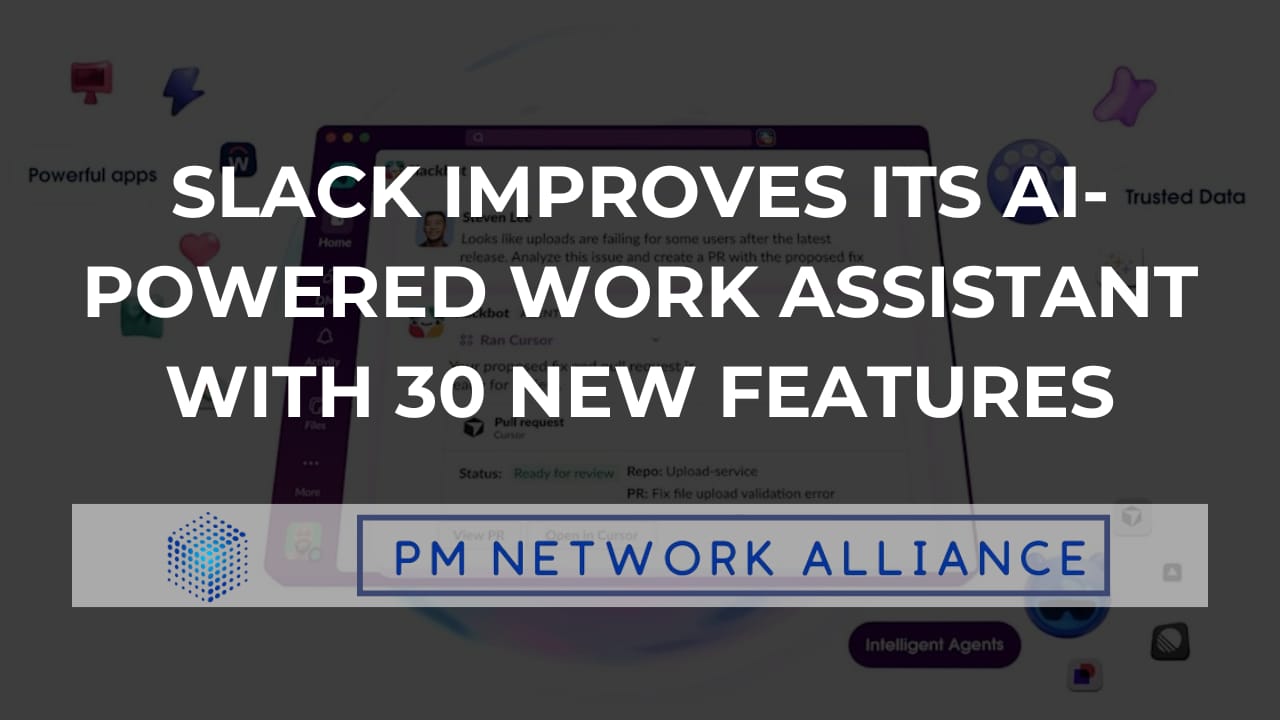
- Slack Improves its AI-Powered Work Assistant with 30 New Features
Slack Improves its AI-Powered Work Assistant with 30 New Features
INCLUDED: We have special resources from the All Things AI 2026 Conference, which we have made exclusively available to you

Ricardo Govindasamy
April 09, 2026
In Today’s edition:
Salesforce Upgrades Slack With Smarter AI Workflows Overhaul
EXCLUSIVE RESOURCE FROM ATAI 2026
PMNA TUTORIAL: How to Build a Customer Journey Event Tracking & Alerts System in Make.com
Atlassian Improves Confluence with AI Visual Tools and Intelligent Agents
TOOL REVIEW: Jetson Turns Your Support Inbox Into a Product Roadmap
Exciting Career Opportunities for Product and Project Management Professionals
Reading time: 5 minutes
HEADLINE NEWS
Salesforce Upgrades Slack With Smarter AI Workflows Overhaul
Salesforce has announced a major AI-driven overhaul of Slack, introducing more than 30 new features aimed at transforming it into an intelligent workplace assistant. The update significantly upgrades Slackbot into a more autonomous AI agent capable of handling complex tasks across workflows. This move reflects Salesforce’s broader strategy to position Slack as a central hub for AI-powered work.
Slackbot now includes 30+ new AI features, expanding it into a full workplace assistant.
New “AI skills” allow users to create reusable task automations for different workflows.
The AI can draft emails, schedule meetings, and retrieve information across tools and conversations.
Slack integrates more deeply with Salesforce CRM and third-party apps, enabling seamless data access and actions.
Salesforce aims to turn Slack into an “operating system for AI agents,” not just a messaging app.
Overall, the update signals a major shift in how workplace tools are evolving, from communication platforms to AI-powered productivity systems. While the new capabilities promise significant efficiency gains, they also introduce complexity that could challenge Slack’s simplicity. Salesforce is betting that integrating AI deeply into daily workflows will redefine how teams collaborate and get work done. Read More
We are giving out this exclusive resource from the ATAI Conference 2026
At All Things AI 2026, Ricardo Govindasamy and Jordan Van Maanen delivered a high-impact workshop on eliminating operational bottlenecks using automation. The session went beyond theory, showing how teams can use Make.com to turn repetitive, manual workflows into efficient, scalable systems. More importantly, it challenged attendees to stop observing AI… and start building with it.
At the end of the workshop, attendees were given a set of practical resources... and now, you have access to them too:
👉 Govincorp Value First Framework
→ Shows you how to prioritize automation opportunities based on actual business impact, so you don’t waste time automating the wrong things
👉 Govincorp Process Friction Audit
→ Helps you pinpoint the exact tasks slowing you down, making it easier to identify high-leverage automation wins
👉 Builder’s Lab Worksheet Handout
→ Guides you step-by-step in mapping out and building your own automation, turning ideas into something tangible
These resources are the bridge between understanding automation and actually applying it so you can start reclaiming your time immediately.
PMNA TUTORIAL: How to Build a Customer Journey Event Tracking & Alerts System in Make.com
This tutorial walks you through building a real-time Customer Journey Event Tracking & Alerts System in Make.com, a system that watches for critical product events like signup drop-offs, payment failures, and feature abandonment, then automatically alerts your team and creates action items. It's the difference between hearing about a broken checkout flow in Monday's standup and getting a Slack message with a root cause analysis 15 minutes after it starts.
You’ll learn to:
Define your critical events and design a consistent event payload schema.
Build the ingestion layer using a Make.com webhook (real-time) or scheduled API polling.
Add a Router module to filter and route events by type and severity.
Set up aggregated threshold detection using a counter scenario that checks event frequency against baselines.
Configure Slack alerts with formatted, context-rich messages routed to the right channels.
Automate task creation in Jira/Linear/Asana with deduplication logic to prevent repeat tickets.
Log every incident to a Google Sheet or Notion database as your product health ledger.
Optionally, add an AI module to generate plain-English incident summaries and weekly health digests.
Test all paths, calibrate thresholds against a week of baseline data, and add error handlers.
Why it matters:
Once tuned, this system gives you a fully automated product health monitoring layer; real-time awareness paired with automatic response routing, all without writing code. Start with five to eight events, keep your thresholds generous to avoid alert fatigue, and tighten as you learn your product's normal rhythms.
Atlassian Improves Confluence with AI Visual Tools and Intelligent Agents
Atlassian has introduced a new wave of AI features for Confluence, focused on turning written content into dynamic visuals and applications. The update includes visual AI tools and integrations with third-party AI agents, signaling a shift toward more interactive and automated workflows. This positions Confluence as more than a documentation tool—evolving into a hub for AI-powered creation and execution.
New visual AI tools can transform text into charts, infographics, and presentation-ready outputs.
A feature called Remix (in beta) lets users quickly convert pages into multiple visual formats.
Confluence now supports third-party AI agents that can turn documents into apps, prototypes, or presentations.
Partner integrations include tools like Lovable, Replit, and Gamma for building UIs, apps, and slide decks directly from content.
The overall goal is to turn static knowledge into actionable outputs without leaving the platform.
This update highlights Atlassian’s push to embed AI deeper into everyday work, transforming documentation into a launchpad for execution. By combining visual generation with agent-driven automation, Confluence is moving toward becoming a more active participant in workflows. The challenge will be ensuring these powerful features remain intuitive for teams to adopt at scale. Read More
TOOL REVIEW: Jetson Turns Your Support Inbox Into a Product Roadmap
Jetson is a support intelligence platform that reads every customer conversation from Help Scout, Zendesk, or Intercom and automatically turns them into prioritized bug reports and feature requests. It classifies, deduplicates, and tracks patterns across your support inbox, then generates engineering-ready issues in GitHub, GitLab, or Linear; complete with customer quotes, impact data, and suggested code files.
Key Features
Automatic Classification — Instantly sorts every ticket into bug, feature request, or documentation gap with no manual tagging.
Duplicate Detection — Merges identical issues reported in different words into a single item ranked by customer impact.
Pattern Tracking — Surfaces trending bugs and recurring feature requests over a rolling 12-week window.
One-Click Issue Creation — Exports fully drafted issues to GitHub, GitLab, or Linear with customer quotes and relevant code files attached.
Adaptive Learning — Improves classification accuracy over time by learning your product terminology and priority rules.
Project managers should pay attention to Jetson because it eliminates the messiest part of their workflow: manually triaging support tickets to figure out what engineering should build next. Instead of cobbling together priorities from Slack threads, spreadsheets, and gut instinct, PMs get a continuously updated, evidence-based view of customer pain, ranked by real impact and ready to assign. It compresses the gap between "customer reported it" and "developer is fixing it" without adding any new process.
Exciting Career Opportunities for Product and Project Management Professionals
Product Owner @ ASSA ABLOY
📍 Harrisburg, NC.
Sr Product Mgr I @ RELX
📍 Raleigh, NC.
Sr Product Mgr I @ LexisNexis
📍 Raleigh, NC.
Building Automation Systems Project Manager @ Siemens
📍 Raleigh, NC.
IT Project Manager, Mid @ Booz Allen
📍 Fayetteville, NC.
THAT’S A WRAP
Thank you for being a part of our growing community. We look forward to sharing valuable content, industry trends, and strategies that will help you navigate and lead in this dynamic space. Stay tuned for more to come! Best, |  |